Play video or follow written steps below.
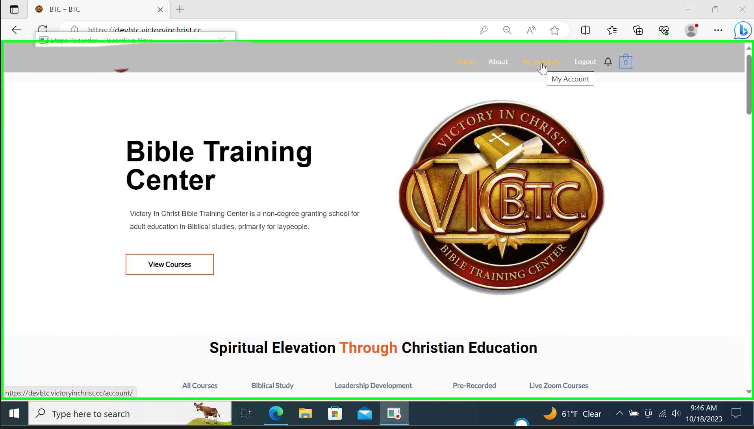
Step 1: Log in and click on “My Learning”.
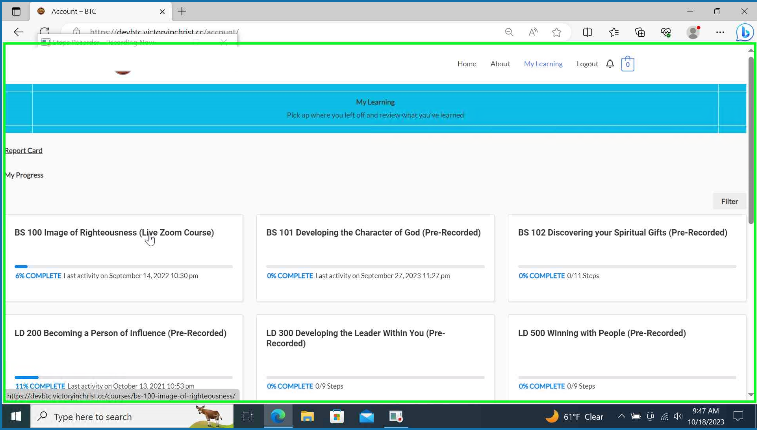
Step 2: Click on a course.
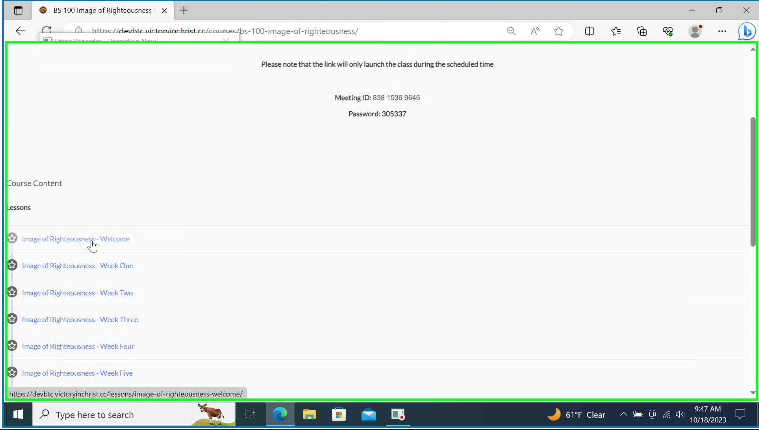
Step 3: Click on a lesson link.
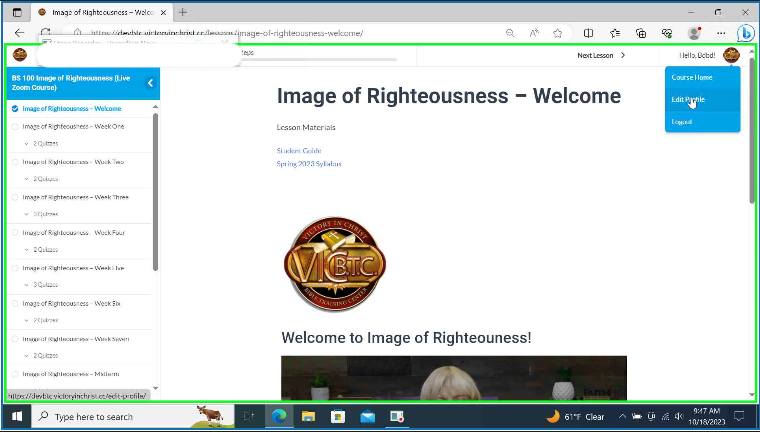
Step 4: Hover over your name towards the top right of the screen until a menu appears. Click on “Edit Profile”.
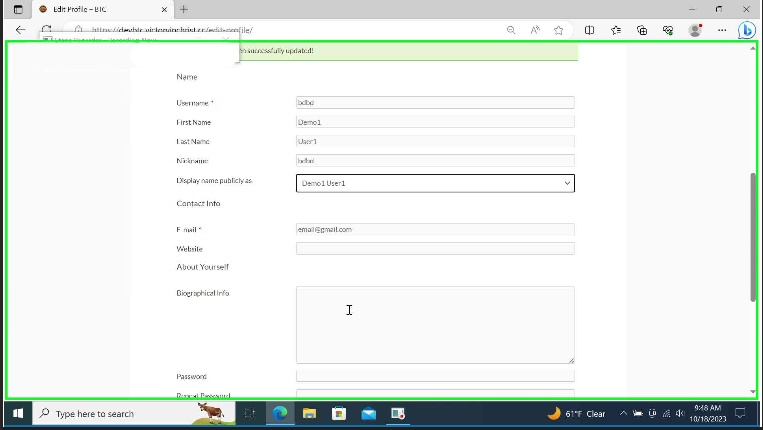
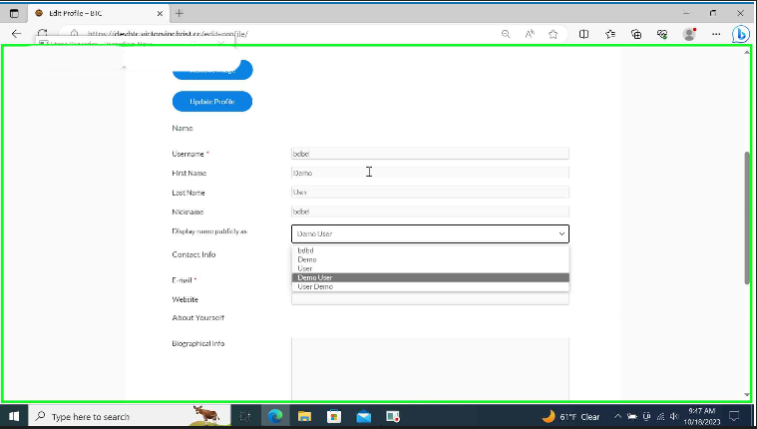
Step 5: Scroll down until you get to the “Display name publicly as” drop down box. See if your name already exists in the drop down list. If so, select it.
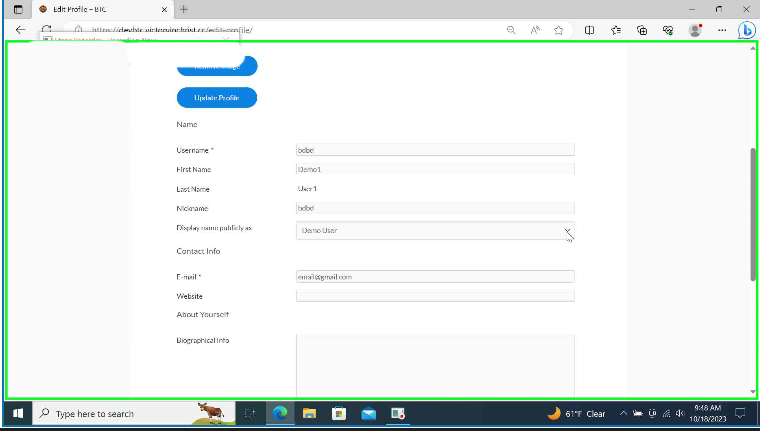
Step 6: If your name isn’t listed in the drop down box then go to the “First Name” and “Last Name” fields and put your name in.
Step 7: Once you have entered your name, scroll down and click “Update” to save the update.
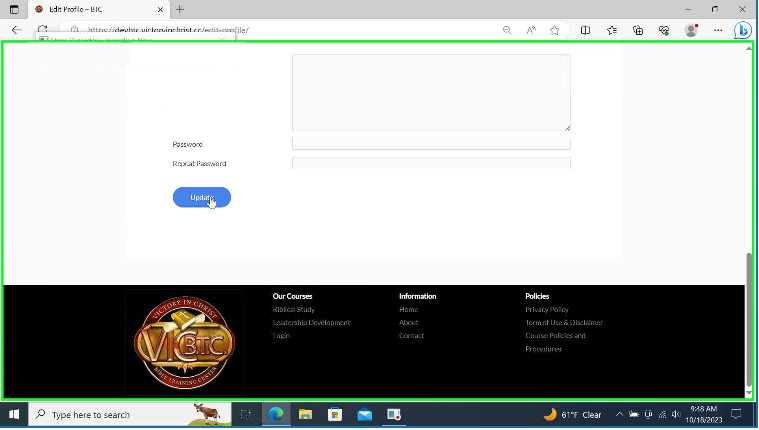
Step 8: Scroll up to “Display name publicly as” and select your name. From the drop down menu scroll down again and click “Update”